Video jobs, done in minutes.
Add captions, cut out the pauses, or turn landscape video vertical, straight from your browser. You see the price before anything runs, and you only pay for jobs that work.
Price before you payFailed jobs refundedNo subscription
Settings
Nothing is charged until you press start. Failed jobs are refunded automatically.
Three tools, one balance
Each tool does one job well. Buy credits once and use them on any of them.
Caption maker
Upload a video. Get it back with readable captions burned in, plus subtitle files for YouTube and editors.
Silence remover
Upload a talking video or recording. Get it back with the dead air cut out, ready to post.
Vertical video maker
Upload a landscape video. Get it back in 9:16, square or 4:5, ready for Reels, Shorts and TikTok.
Caption maker
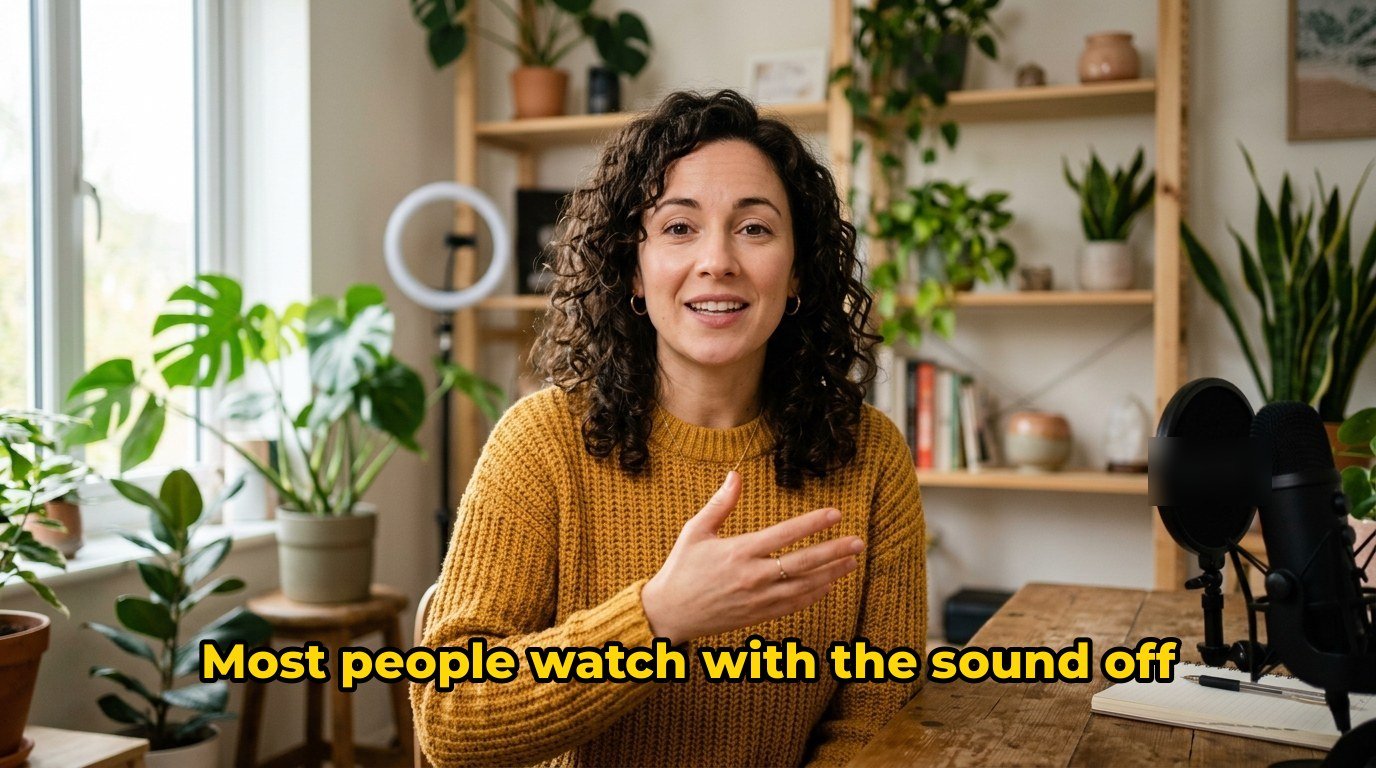
Captions people actually read
Most social video is watched on mute. Burn the words into the picture so they always show.
- Short, readable lines timed to the speech
- Three clean styles to choose from
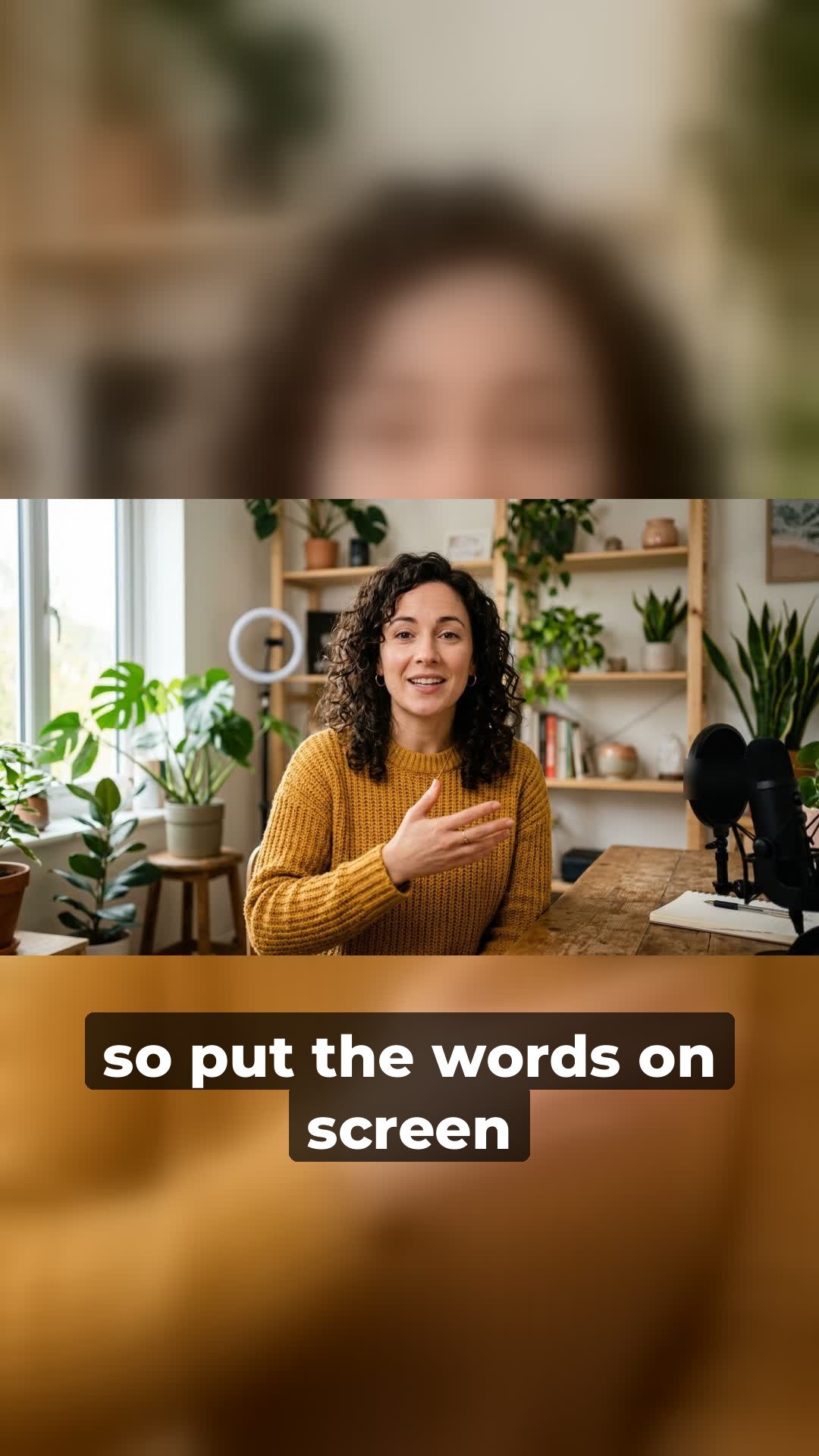
- Placed higher on vertical videos, clear of app buttons
- SRT and VTT files included
Silence remover
Cut the dead air in one click
Pauses, false starts and gaps go. Your words stay exactly as you said them.
- Finds every pause longer than your setting
- Leaves a little breathing room so speech never sounds clipped
- Works on video and on audio-only files
- Shows how much time you saved
 16:99:16
Vertical video maker
One video, every shape
Filmed in landscape? Post it as a full-screen vertical video without cropping anything out.
- 9:16 for Reels, Shorts and TikTok
- Square and 4:5 for feed posts
- Nothing cropped: the whole picture stays in view
- Blurred or plain background fills the space
How it works
The same three steps on every tool.
- Upload your file. We check it and work out the price. Nothing is charged yet.
- Confirm the price. Credits are taken when you press start. Failed jobs are refunded automatically.
- Download the result. Most jobs finish in minutes. Files are deleted after 24 hours.
Why pay per job
Most tools like these want a monthly subscription. If you only have a few jobs, that's money for nothing.
A typical subscription
- Pay every month, whether you use it or not
- Remember to cancel before it renews
- Usually one tool per subscription
Credits you spend per job
- Pay only when you have a job to do
- Nothing renews, nothing to cancel
- One balance for every tool on the site
Credits
Buy a pack once and use it on any tool. Bigger packs cost less per credit.
Your budget, your pack
Choose your amount
Spend exactly what suits you, from £2 to £75.
Credits follow the prices above, rounded down to a whole credit. No subscription. Credits don’t expire.
Questions
Anything else? Email admin@oddjob.test.
Do I need a subscription?
No. You buy credits when you need them and spend them per job.
What happens if a job fails?
The credits for that job are returned to your balance automatically.
How long do you keep my files?
Uploads and results are deleted after 24 hours.
Will the video quality drop?
The video is re-encoded once at high quality, at its original size. Most people won't see a difference.
Do the captions work for vertical videos?
Yes. On vertical videos the captions sit higher, clear of the buttons apps put at the bottom of the screen.
How do I get free credits?
Create an account and confirm your email. You get 6 credits, enough to try either tool on a short clip.